Zoom integration
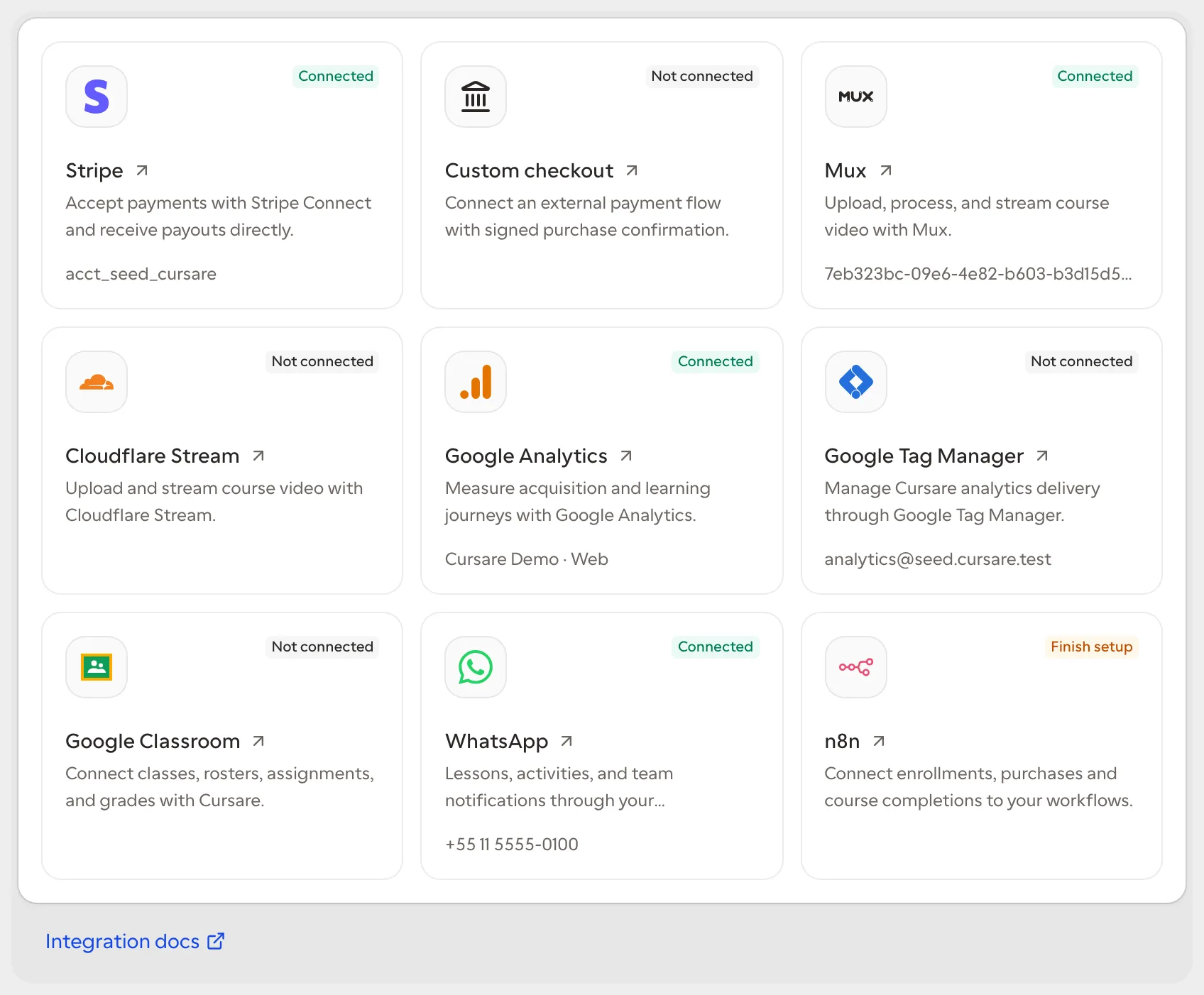
The conferencing integration lets each organization use its own Zoom account to create live meetings from Cursare. It uses a server-to-server OAuth app owned by the school account and never shares credentials across organizations.
Prepare Zoom
In the Zoom App Marketplace, create a Server-to-Server OAuth app for the organization account. Activate it and grant the minimum permissions required to read the configured host and create meetings. Copy the:
- Account ID;
- Client ID;
- Client Secret;
- email address or id of the Zoom user that will host meetings.
Zoom requires account-admin permission to create and activate this app type. Follow Zoom's official guides to create the app and configure Server-to-Server OAuth.
Connect in Cursare
- Open Settings → Apps → Zoom.
- Enter the four app and host values.
- Save.
Before storing the connection, Cursare exchanges the credentials for a short-lived token and validates the host through the Zoom API. Account ID, Client ID, Client Secret, and host are encrypted in the organization's connection. Temporary access tokens are never persisted.
Create a meeting
On the same page, enter a topic, start time, duration, and time zone. Cursare provisions a scheduled meeting with the waiting room enabled and join-before-host disabled. The session list retains the provider, external id, schedule, duration, and participant join link.
The Zoom start_url contains host controls and is never stored or returned to the browser. Open the displayed link as a participant. The host joins through Zoom with their own account.
Current limits
- creates and lists scheduled meetings;
- does not synchronize attendance, recordings, or webinars;
- does not automatically attach the meeting to learner content or calendars;
- does not use Zoom Marketplace user authorization.
Disconnecting removes the credentials used for new operations while retaining the safe history of previously created sessions. Existing meetings remain owned by the organization's Zoom account.
Provider architecture
conferencing is the capability and zoom is its first provider. Cursare persists a normalized session and the participant-safe join link. A future provider such as Microsoft Teams or Google Meet can implement the same contract without changing content or rewriting Zoom history.