Integrations
The organization has independent connection capabilities, each with one active provider. They are listed once under Settings → Integrations.
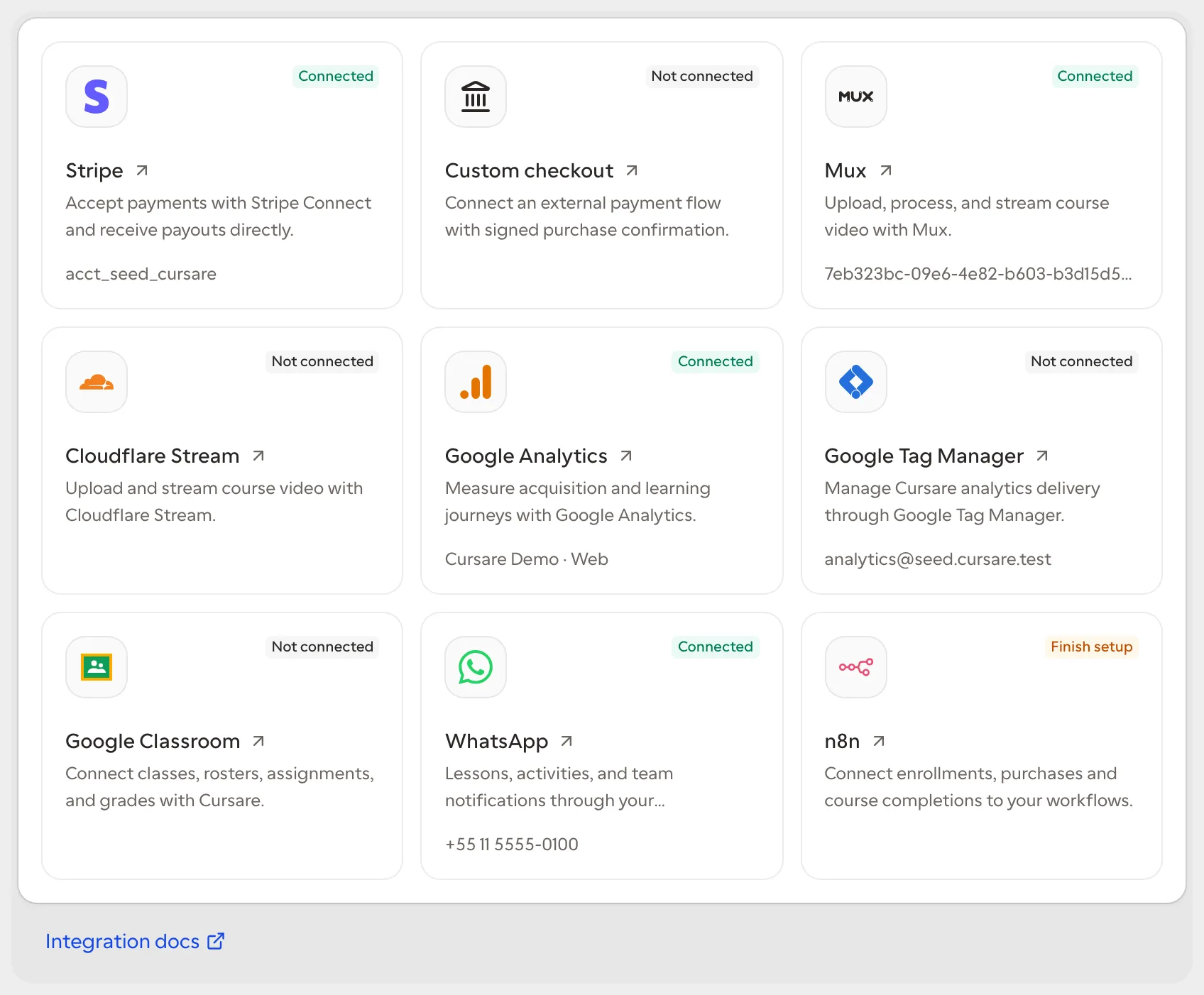
| Capability | Provider | Purpose |
|---|---|---|
| Payments | Stripe or signed external checkout | Receive and verify course sales |
| Video | Cloudflare Stream or Mux | Upload and stream learning video |
| Meta Cloud API | Notify the team about sales and enrollments | |
| Analytics or Tag Manager | Measure eligible public school pages | |
| Classroom | Google Classroom | Map classes, reconcile rosters, publish assignments, and return grades |
| Digital credentials | Open Badges | Issue signed credentials for completed courses |
| Conferencing | Zoom | Create live meetings in the organization's account |
Only an owner or administrator can connect, replace credentials, change settings, or disconnect. Status responses contain safe identities and settings, never tokens or secrets. Each organization has at most one row per capability.
Payments
Stripe Connect provides hosted checkout, provider verification, payouts, and automatic refund support. A signed external checkout receives a one-time encrypted HMAC secret and must confirm payment through a valid signed event. A browser return URL never creates a purchase.
To enable sales, complete the school's legal seller profile and Express-account onboarding. Charges run directly in that account; Cursare schedules daily payouts with an 8-day delay and only marks the connection ready when charges, payouts, and that schedule are confirmed. “Pending balance” is still settling; “available balance” can fund refunds or go to the bank. Refunds debit the school, so keep a reserve and handle failures under Refunds. See Payments & payouts.
Disconnecting Payments stops new paid checkout. The stable connection id remains the callback identity while the connection exists.
Video
Cursare validates the Cloudflare account and token before saving them. The token is encrypted. Upload bytes travel directly from the browser to Cloudflare through a one-time upload URL; they never pass through Cursare.
Replacing credentials affects new operations. Disconnecting stops new uploads but does not delete or rewrite videos already stored in course documents.
Open Settings → Apps → WhatsApp. Each organization connects its own number and Meta Cloud API credentials. Connections are not shared between organizations. Configure team notifications and the study channel in the same app. The current connection uses credentials, without an embedded Meta login.
Credential replacement is separate from operational settings. Administrators can replace the phone identity and access token without re-entering recipients or templates, and can edit recipients and the approved template without resubmitting credentials. A test action sends a real provider request and surfaces a focused failure.
Study channel
After connecting Meta Cloud API, open WhatsApp study in the same settings page. Save the Meta app secret and a random webhook verification token (32–128 letters, digits, underscores or hyphens). In that Meta app, register the displayed HTTPS callback URL with the same token and subscribe to messages. Complete a real conversation test before inviting learners. Replacing phone credentials requires configuring the study channel again.
Learners open Course tools → Study on WhatsApp, consent to delivery through Meta and send the prefilled message within 10 minutes. The one-time link is personal. One course can be active per learner and organization; connecting another replaces that session. Sessions expire after 30 days. Send STOP or use Stop to disconnect.
This first version delivers text, headings and lists one part at a time. Continue advances the reading; Complete step records progress through the same course rules as the website. Quizzes and polls show numbered options; reply with a number and confirm before submitting. For open responses, write up to 4,096 characters and confirm. Quiz scores, poll results and response evaluation or review status appear in the conversation and are saved in the same course records as the website. Media, tables, code and embeds still open in the web lesson and are not automatically completed. Use Resume after finishing there. The editor and published course are shared; no second copy is created. The channel currently excludes minors and accounts without an adult declaration.
Only learner-initiated conversations are supported. There are no scheduled lessons or reminder campaigns. Existing staff notifications are separate. Provider charges and Meta messaging requirements still apply. The integration does not expose answer keys or treat delivery/read receipts as learning completion.
Google Analytics and Tag Manager
Google uses one persistent OAuth identity and one exclusive delivery method:
- Direct GA4 loads the selected web stream only after analytics consent.
- Google Tag Manager loads the selected public web container only after marketing consent.
Setup discovers accounts, properties, web streams, and web containers by name. Raw ids cannot be pasted to bypass provider access checks. Choices are saved so interrupted setup can resume. Disable keeps the identity and selections; Disconnect removes the encrypted refresh token, selections, managed drafts, and public tracking.
The storefront emits the canonical analytics catalog for discovery, promotion selection, checkout, and learning interactions. Purchases, refunds, enrollments, progress, and completions come from server-verified facts. Exactly one browser delivery method is active, so the same outcome is not sent through GA4 and GTM simultaneously. Scripts never load in the dashboard or on the canonical platform host, and eligible public delivery still respects consent and minor-safety rules.
Managed Tag Manager setup
The base Google connection is read-only. Configure events for me requests Analytics discovery plus Tag Manager edit and publish scopes separately. Cursare creates or updates only Cursare-named tags, triggers, and variables inside an isolated workspace.
The administrator sees the exact pending entities and GA4 destination before publishing. Preparing or refreshing the preview never changes the live container version. Publication requires an explicit confirmation with the saved preview fingerprint; a provider conflict or failed publication preserves the draft for retry.
Google Classroom
Google Classroom uses a separate OAuth connection from Analytics. Cursare asks for permissions progressively: openid, email, and classroom.courses.readonly for connection and class discovery; classroom.rosters.readonly plus classroom.profile.emails for roster preview; and classroom.coursework.students for assignments, submissions, and grade return.
See Connect Google Classroom to Cursare for the complete walkthrough, preparation, privacy model, troubleshooting, and production checklist.
An administrator maps one active Google class to one free Cursare offer and cohort. Preview matches verified email addresses, shows which learners are already enrolled or ready, and keeps unknown accounts as invitation-needed rather than creating access silently. Applying the preview reuses normal enrollment, capacity, and cohort rules. A learner removed in Google is reported as a difference; Cursare access and progress are not deleted automatically.
Cursare-created assignments keep the Google coursework id and learner URL. Grade return is opt-in per mapping and updates both draft and assigned grades only for coursework created by the same Google developer project. Provider failures never rewrite the Cursare result.
For Google verification, configure the callback /api/integrations/classroom/callback, the exact scopes above, the public privacy policy and terms, verified domains, an app-home page, and a reviewer test account with representative classes. The implementation provides the technical workflows; Google partner status and any badge require Google's separate review and approval.
Open Badges
The organization enables its own issuer and learners can download a signed credential after completing a course. Private keys are encrypted, issued credentials are stable, and refunds appear as revocation in the public lookup. See Open Badges credentials.
Zoom
The organization connects its own Zoom Server-to-Server OAuth app. Cursare validates the host, creates scheduled meetings, and retains only the participant-safe join link; temporary tokens and host URLs are never persisted. See Zoom integration.
API status
GET /api/v1/integrations is the only aggregate status operation. Provider-specific operations live under /api/v1/integrations/*. OAuth assistant connections use /api/v1/mcp/connections instead.