Open Badges credentials
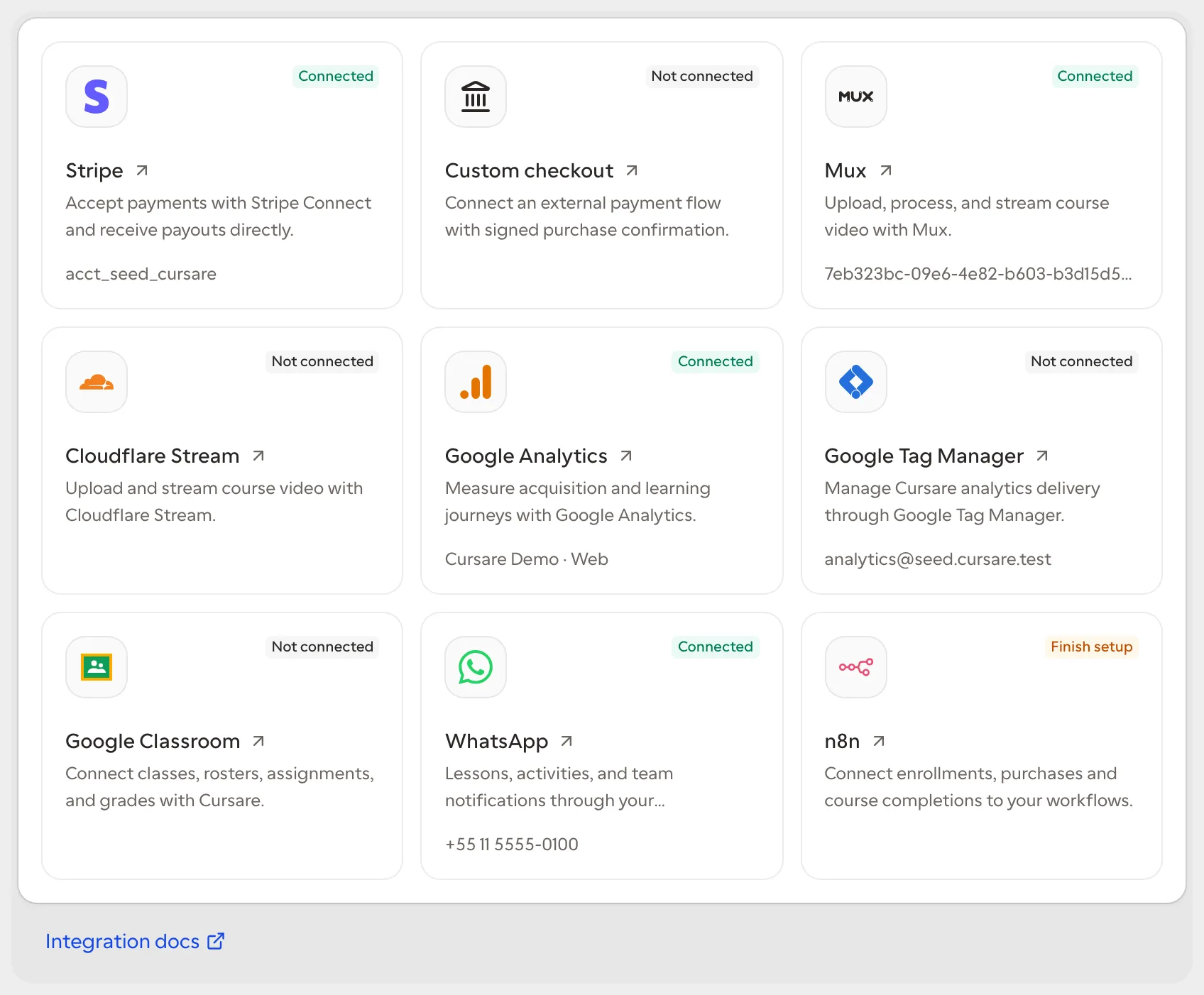
The credentials integration turns a completed course certificate into a signed, portable digital credential. Cursare keeps the academic result as the source of truth and delegates artifact generation to a separate provider. The first provider is the local Open Badges 3.0-based issuer.
Enable the issuer
- Open Settings → Apps → Open Badges.
- Enter the institution's public issuer name.
- Enter the institution's official HTTPS URL.
- Save the configuration.
On first activation, Cursare creates an Ed25519 key pair dedicated to the organization. The private key is encrypted; the public issuer document exposes only the verification key.
Learner experience
After the learner completes every step in the published version, the certificate page offers the credential download. The first request creates a vc+jwt artifact; later requests return the exact same credential.
The credential identifies the issuer, learner, completed content, completion date, and public verification URL. If the enrollment enters a refund state, the public lookup reports the credential as revoked.
Disconnect without breaking history
Disconnecting stops new issuance while retaining the public key and existing credentials. Previously delivered artifacts remain verifiable. Enabling the same issuer again reuses the current key so earlier signatures remain valid.
See the official Open Badges 3.0 specification for the standard and its formal requirements.
Provider architecture
digital_credentials is the organization capability and open_badges is the active provider. Enrollment rows contain no provider-specific fields. Issued records retain their format, signing key, and artifact, so a future provider can replace the current one without rewriting academic history.