Editor
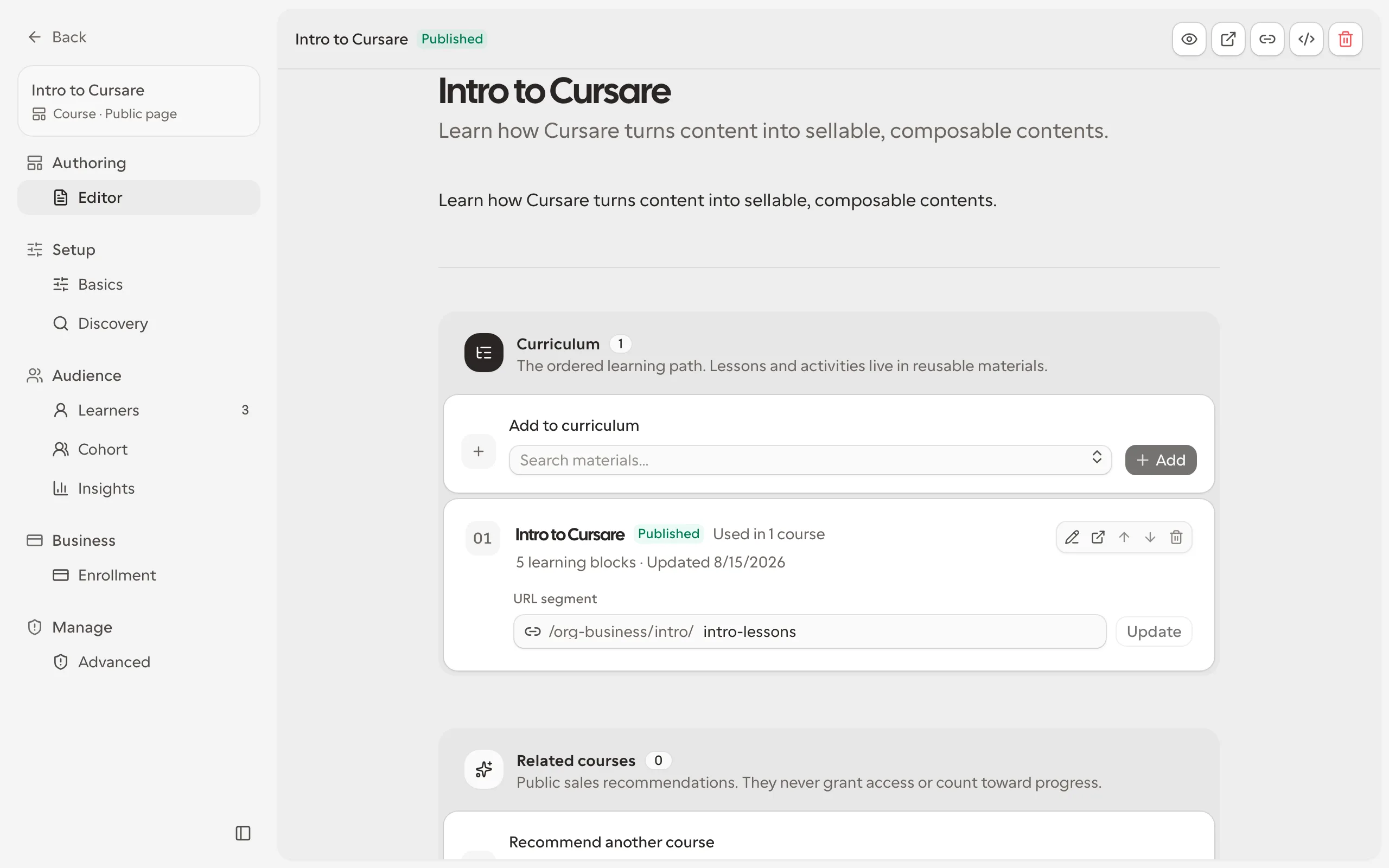
The dashboard editor is one native ProseMirror document. Cover, title, description, prose and structured blocks share the same canvas; captions, alternatives and source lines are editable document content too. Quiet type labels identify blocks without adding permanent toolbars.
Writing and keyboard
Type / in an empty paragraph to insert a component. Select text for bold, italic, underline, highlight, links and glossary terms. The glossary action opens a small definition field beside the formatting menu.
Mod-Kedits a link andMod-/opens the searchable command palette.Shift-Enterinserts a hard break where the text allows it.Mod-Enterleaves the current component and continues in a paragraph.Escapecloses the active menu or transient interaction before leaving focus mode.- In a quiz, Enter moves from a prompt to its alternatives. Enter on an empty alternative starts the next question; Enter on an empty question removes that empty item and returns to prose.
Mod means Command on macOS and Control elsewhere. Structured components follow their sequential text slots; lists, tables and code keep their native editing behavior. Moving a block preserves its identities; duplicating or pasting content creates new identities.
Media without forms
Use /image, /video, /audio, /file or /embed. Paste the URL into the source line and press Enter, or choose the quiet upload action when available. Edit captions and alternative text directly in the document. Third-party media stays inactive until you explicitly load it. Cal.com uses the generic embed contract, with no dedicated booking block.
Saving, recovery and publication
Autosave sends native changes in ordered batches and confirms an exact draft revision. Full snapshots support checkpoints and large replacements, not an edit-history store. Incomplete blocks and unfinished media URLs can be saved; publication requires complete, valid components.
On connection failure, continue writing locally. Unsaved changes are retained for retry and browser recovery. Conflicts or an updated schema never silently replace the server draft: export the recovery or reload when prompted.
Preview, comparison and publication first drain pending changes. Comparison stays on the revision reviewed; if that revision changes, review again before publishing. Publishing is explicit and is the only operation that changes the learner's published document.
Only the current native schema is supported; there is no legacy document conversion. In a quiz, click the marker beside an option (or run "Toggle correct answer" from the command palette) to mark it as the correct answer; the marker fills in. Undo (Mod-Z) and redo (Mod-Shift-Z) act on your own edits in the open session; a historical version browser is outside this release. Recovery remains available independently of history.